
Things to Know Before Buying a MAG Box
In this article, we’ll provide helpful insights to guide you in making the best decision before purchasing a MAG box.
What is a MAG Box?
Note: The recommendations in this article may change over time, and we’ll continue to update them as needed.
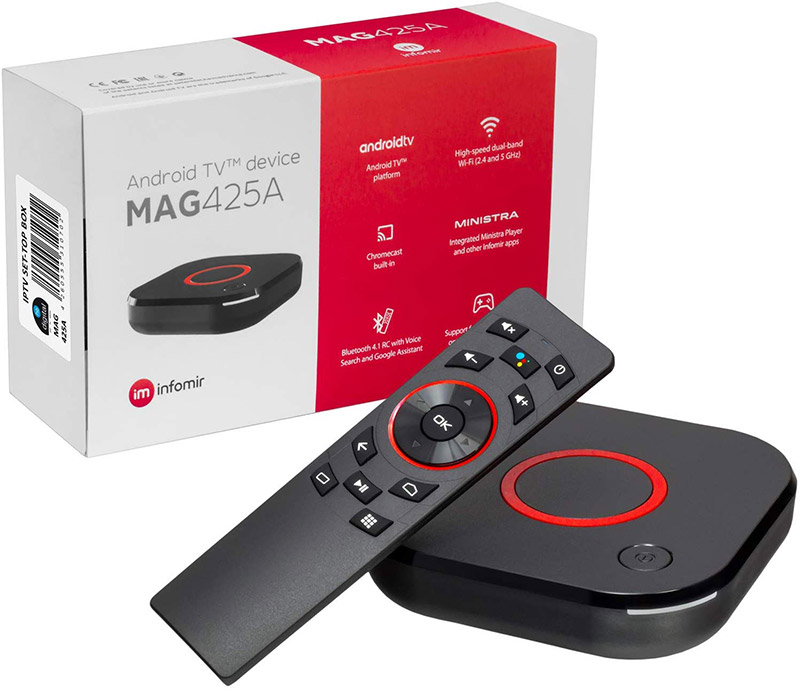
There are several MAG models on the market that come with Android operating systems and high-performance hardware—such as the MAG 425A. However, most IPTV providers do not support these Android-based models via the Portal System (see: How to Set Up IPTV on a MAG Device). Instead, these boxes require configuration using an M3U playlist.
Need help? See: How to Set Up IPTV on MAG 420 with an M3U URL
MAG Models Not Supported by Most IPTV Providers via Portal System:
MAG 425A – Android 8.0, 4K support
MAG 424Aw3 – Android 7.0, 4K support
MAG 420 – Linux 4.4.35, 4K support
If you're specifically looking for a MAG device that works with the Portal System, it's best to avoid these models for now.
If 4K resolution isn't a priority for you, there are two more affordable MAG models available on the market. These models are fully supported by all IPTV providers and are compatible with both the Portal System and M3U URLs:
MAG 322 – Linux 3.3, supports 1080p
MAG 324 – Linux 3.3, supports 1080p
The MAG 324w2 model also includes built-in Wi-Fi capability.
For the best value, our top recommendation is the MAG 324w2, as it offers excellent performance at a budget-friendly price.

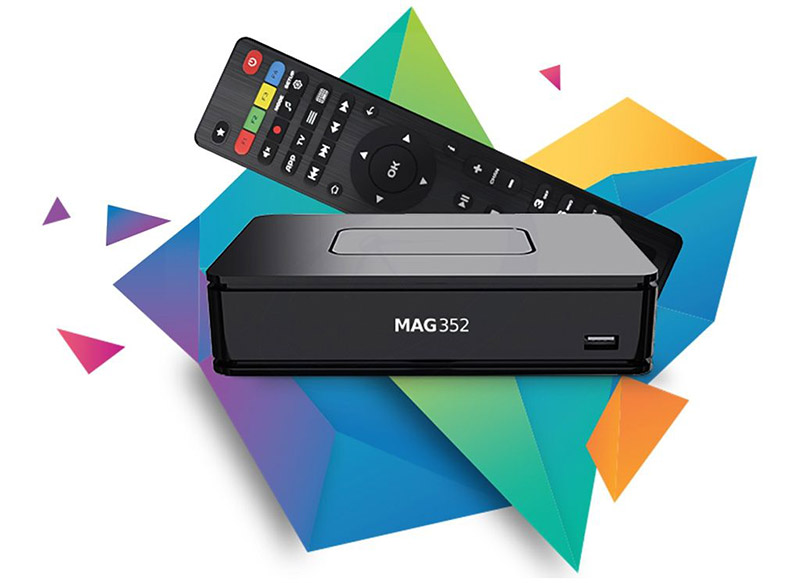
There are two models that were previously discontinued by Infomir: the MAG 351 and MAG 352. While Infomir no longer manufactures or officially offers these devices, they can still be found on the market.
Both models are compatible with Portal System and M3U URL configurations, and are fully supported by all IPTV providers. They offer 4K streaming capability and come equipped with 2GB of RAM, making them among the most powerful MAG boxes in terms of hardware performance.
Here’s a fully rephrased and updated version of your conclusion along with the comparison table, incorporating the latest prices you provided:
Conclusion
Thanks to its robust hardware and support for both M3U playlists and the Portal system, the MAG 351 remains one of the best MAG boxes ever produced. Although Infomir has discontinued this model, it is still available through various online retailers and remains an excellent choice for users seeking high performance and 4K streaming.
If you're looking for a more affordable and reliable option, the MAG 324w2 is our top recommendation. It offers a solid balance of performance, Wi-Fi connectivity, and full support from IPTV providers—all at a competitive price point.