
Configuring the correct date and time on your MAG box is a crucial step in setting up your IPTV subscription. It ensures that the Electronic Program Guide (EPG) displays accurately according to your local time zone.
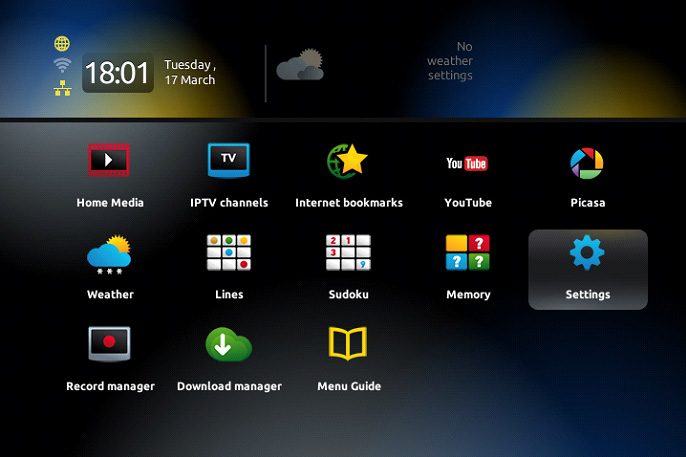
Using your remote control, press the “OK” button to bring up the channel list.
Then press the “Exit” button (located near the arrow keys).
Navigate to “Settings” and press “OK”.
Go to the “Localization” section to adjust the time settings.
Next, return to the “Servers” menu and enter “pool.ntp.org” as the NTP server.
Once this is completed, the time should synchronize automatically within 24 hours.