
Roku is a media streaming device that allows users to effortlessly watch movies, TV shows, and music content on their TV screens. It supports both Wi-Fi and Ethernet connections for internet access. Because Roku delivers content in full HD quality, a stable and fast internet connection is essential for smooth streaming.
📶 How Much Internet Data Is Needed for IPTV?
IPTV requires a steady and high-speed connection—especially for HD or 4K streams. The faster your internet, the better your viewing experience.
📂 Using an M3U Playlist URL on Roku
In this guide, we’ll show you how to set up and use an M3U URL with Roku.
What is an M3U?
An M3U is a type of playlist file used to stream live TV channels and video-on-demand content through IPTV apps.
🔗 How to Add a Playlist from a URL on Roku
Step 1:
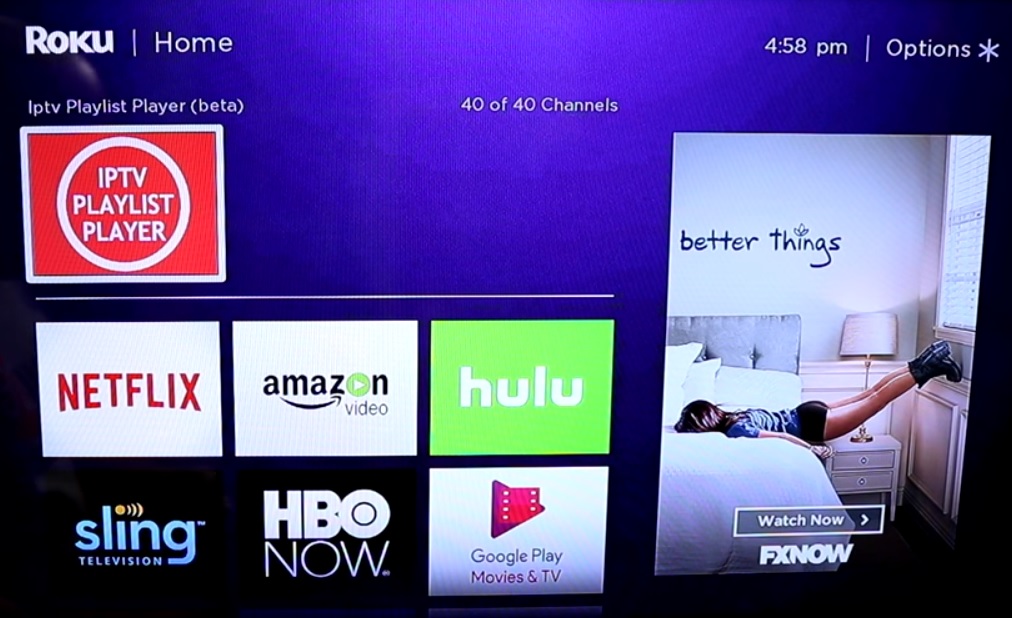
Begin by downloading the M3U Playlist Player from the Roku Channel Store.
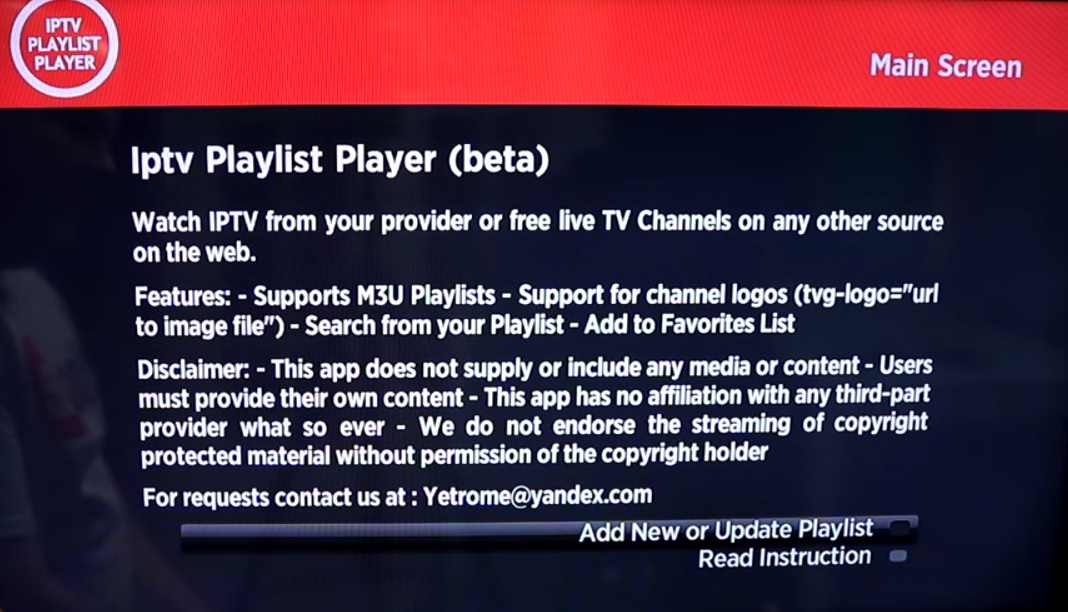
Step 2: Now click on “Add New or Updated Playlist“.
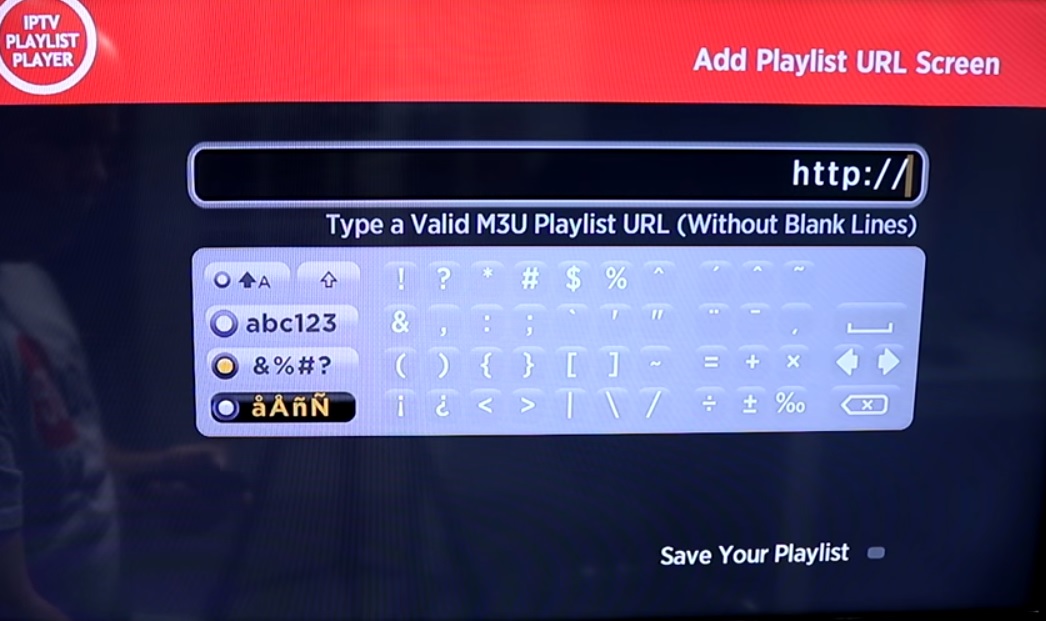
Step 3: Enter your M3U URL and click on “Save Your Playlist“. You can get your M3U URL from an IPTV distributor.
Step 4: Depend on your M3U playlist, it might take a couple of minutes before your playlist gets fully loaded.
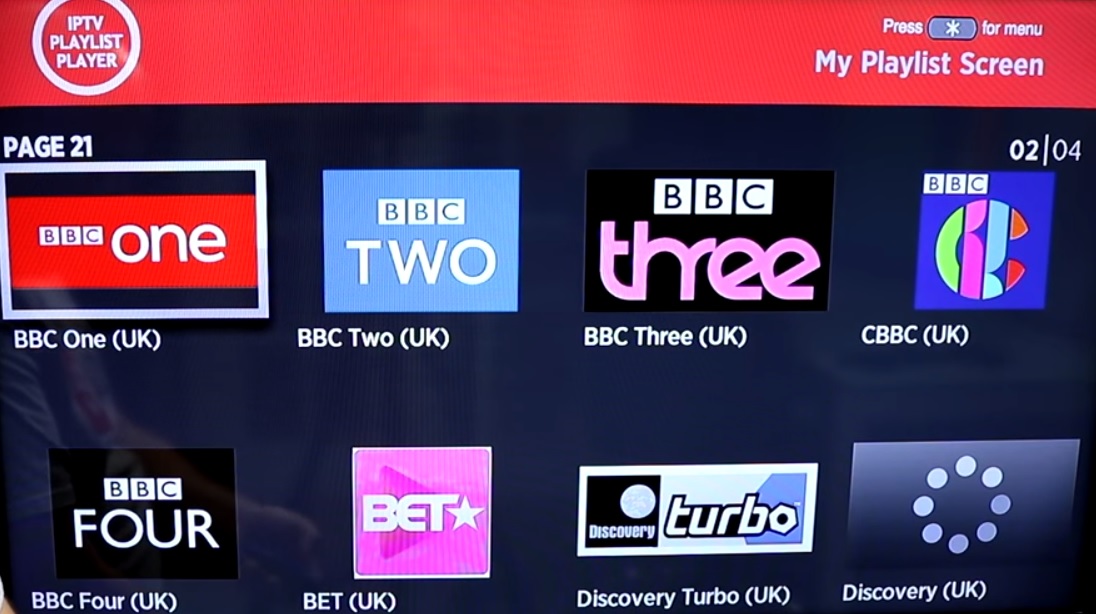
Now your M3U playlist is fully loaded and you can start watching TV by selecting any channel.