
Using Kodi, IPTV users can stream thousands of live TV channels on a wide range of devices, including Android set-top boxes, smartphones, gaming consoles like Xbox One, personal computers, and even Enigma-based devices such as the Raspberry Pi.
Kodi also supports a powerful companion app called Kore Remote, which functions as a full-featured virtual remote control. It’s available for smartphones, tablets, and iPads, making it easy to navigate Kodi from your mobile device.
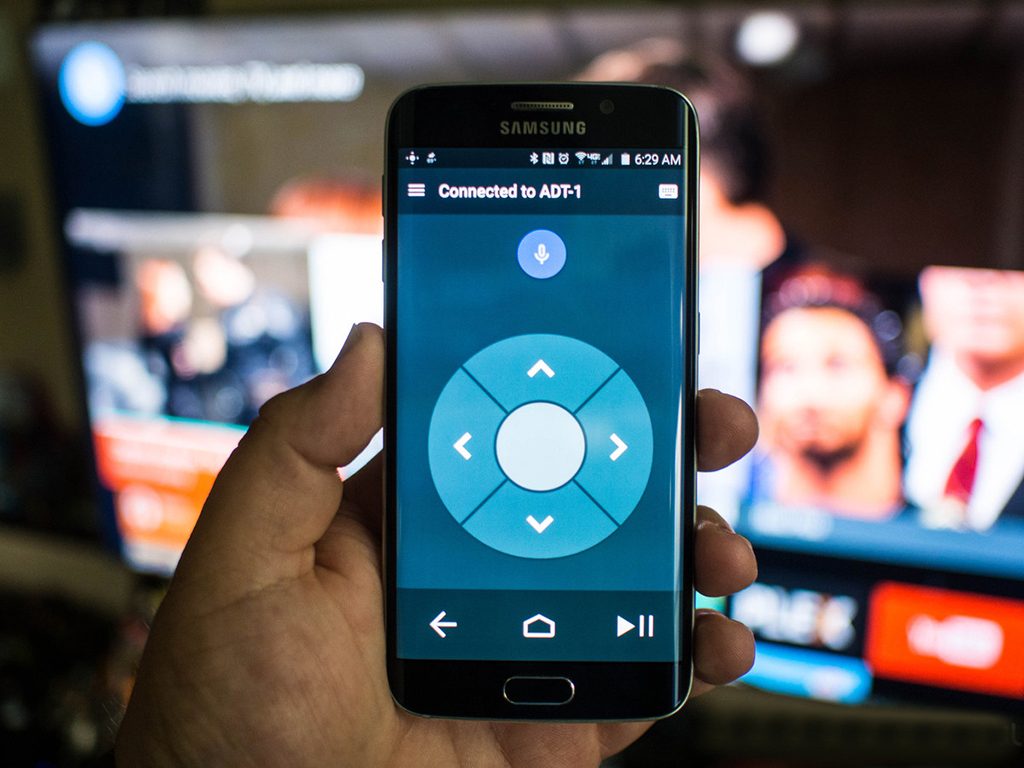
🎮 Kore – The Official Kodi Remote App
Kore is the official remote control app developed specifically for Kodi. It offers a user-friendly interface and powerful controls to manage your Kodi media center directly from your mobile device.
⭐ Key Features:
Easily control Kodi with a simple and intuitive remote interface
Choose from multiple color themes
View EPG (Electronic Program Guide) with details about currently playing content
Manage and switch subtitles (sync, switch, or download)
Change audio streams with a single tap
Access live TV channels and trigger recordings via your PVR/DVR setup
Use Wake-on-LAN and other power control options supported by your Kodi device
📥 Where to Download Kore
Download Kore for your device using the links below:
Android: Download from Google Play
With Kore, managing your Kodi setup is more convenient than ever—right from your phone or tablet.